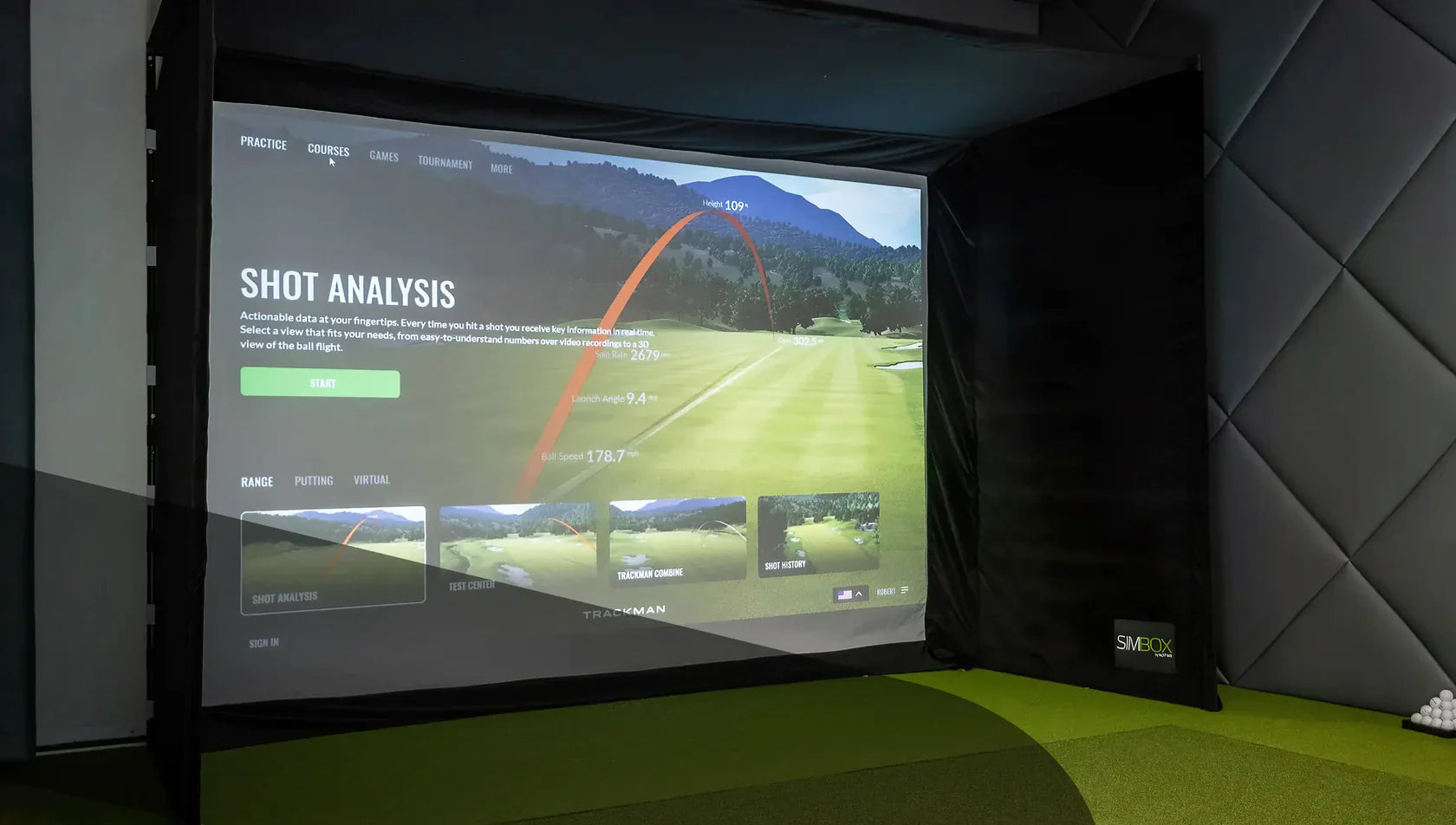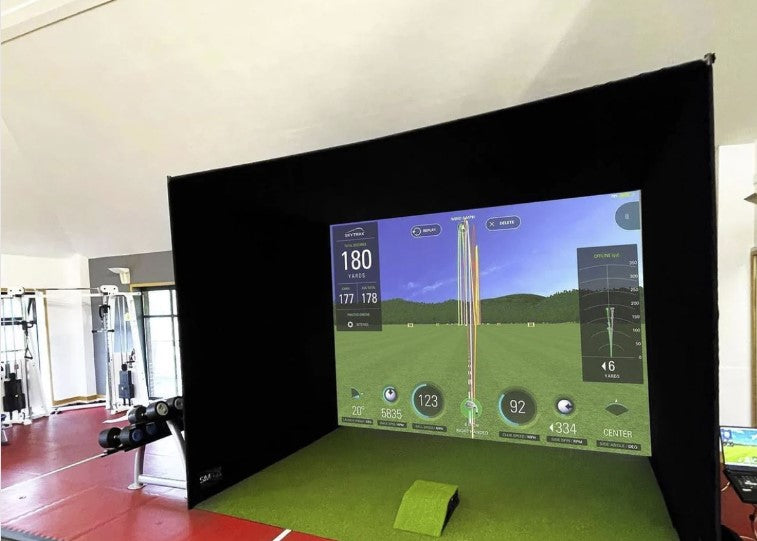






You’ve chosen the launch monitor. You’ve measured the room. You’ve started thinking about screens, mats, projectors and all of the other fun accessories that come with a home golf setup.
Then someone casually mentions that you might need a gaming PC. Brilliant.
It’s another box, another series of cables, and another spec sheet full of numbers that look suspiciously like hieroglyphics.
Lucky for you, GolfBays is here to make this next step simple.
Let’s answer the question in the title first up: No, you do not always need a gaming PC for a golf simulator. Some launch monitors and simulator apps can run from a phone, tablet, standard laptop or built-in display.
But if you want GSPro, FSX Play, premium 3D courses, 4K projection, smoother graphics or a serious permanent simulator room, then yes, a proper gaming PC quickly becomes part of the conversation.
Check out our recommended Gaming PCs >
The important question is not whether every golf simulator needs a gaming PC. It’s what kind of simulator you are building?

Quick Answer: Do You Need a Gaming PC?
| Simulator setup | Do you need a gaming PC? | Why? |
|---|---|---|
| Basic launch monitor practice | Usually no | Many launch monitors work with mobile apps or straightforward practice software. |
| Phone or tablet-based setup | No | Ideal for range sessions, casual practice and simple data feedback. |
| Awesome Golf | Usually no | It is designed to run on modest Windows devices and can work with integrated graphics. |
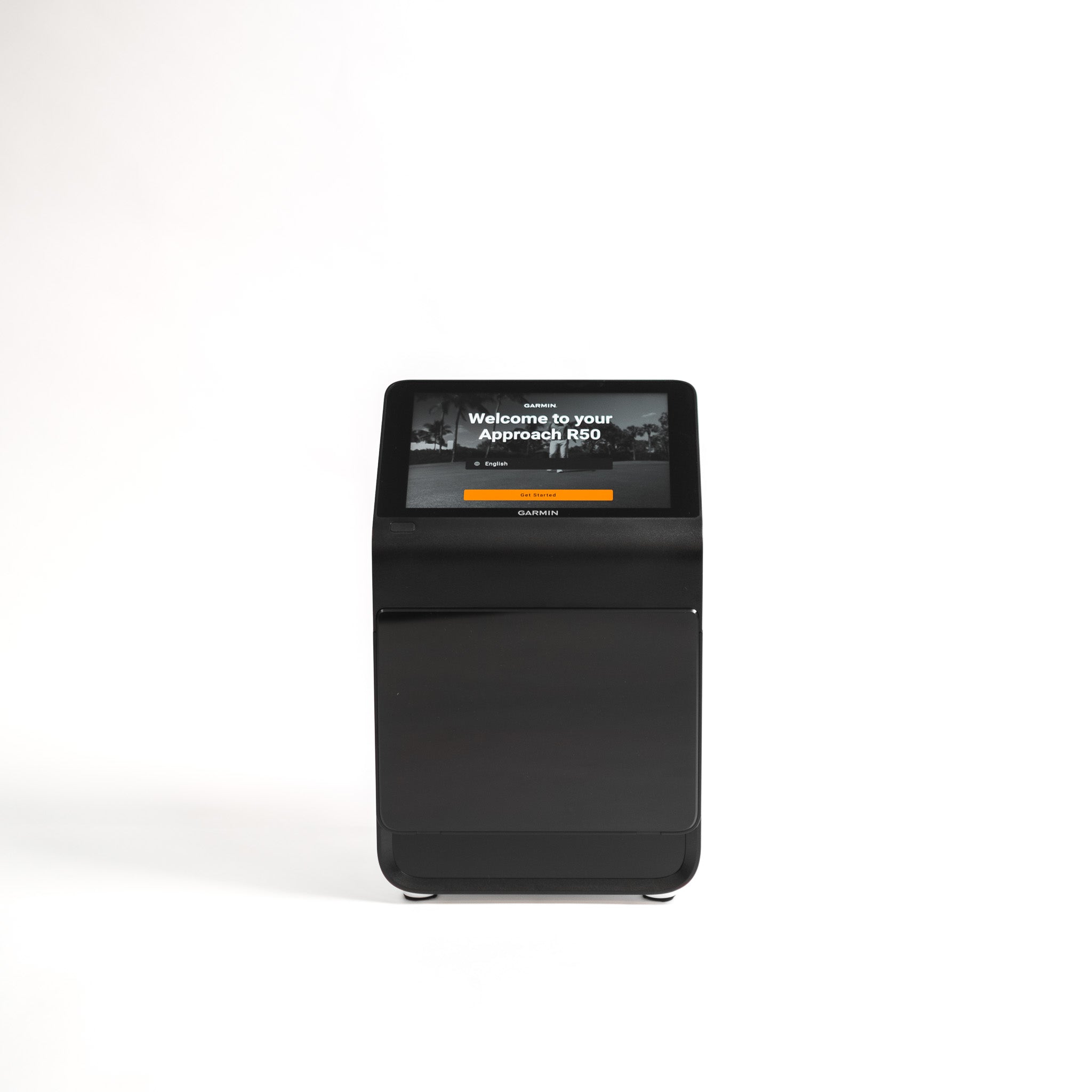
| Garmin Approach R50 standalone use | No | It has a built-in display and can output to an external screen at up to 1080p. |
| GSPro | Yes | GSPro requires a Windows PC and benefits from dedicated gaming hardware. |
| FSX Play | Yes | FSX Play requires a Windows PC and a suitable dedicated Nvidia graphics card. |
| 4K simulator setup | Yes | Running golf simulator software at 4K is considerably more demanding than standard 1080p. |
| Commercial simulator room | Usually yes | Reliability, graphics quality and consistent performance matter when the system is used heavily. |
That is the short version.
If you want basic practice, you may be able to avoid a gaming PC. If you want a full indoor golf simulator experience with realistic courses, a projector and software like GSPro, you should budget for one.
Why Golf Simulators Need a PC in the First Place
A launch monitor measures the shot. Simulator software turns that data into a playable golf experience.
That might include:
-
Ball flight
-
Course graphics
-
Shot tracer
-
Club and ball data
-
Online play
-
Practice ranges
-
Skills challenges
-
Course conditions
-
Putting
-
Multiplayer rounds
-
Swing video
-
Performance reports
The more realistic and graphically rich the software is, the harder your computer has to work.
A basic practice app might only need to show carry distance, ball speed and a simple shot shape. A premium simulator package has to render fairways, trees, bunkers, water, shadows, ball physics and camera movement in real time. Ideally without freezing halfway through your once-a-year straight drive.
That is where the gaming PC comes in.
A gaming PC is not needed because golf is secretly a computer game. It’s needed because modern simulator software uses 3D graphics in the same way gaming software does. The graphics card, or GPU, does a lot of the heavy lifting.
When You Definitely Need a Gaming PC
You should plan for a gaming PC if you want to run one of the more demanding simulator setups.
You Want to Use GSPro
GSPro is one of the most popular simulator software options for serious home golf simulator users, and it needs a Windows PC.
For 1080p play, GSPro requires a dedicated graphics card and 16GB memory. For a strong 4K experience, the requirements increase to an RTX 3080 or better graphics card and 32GB memory.
In plain English: GSPro is not something you should expect to run properly from an old work laptop that already sounds like a helicopter taking off when you open too many browser tabs.
If GSPro is part of your dream simulator setup, the PC is not an afterthought. It’s an essential part of the build.

You Want FSX Play
FSX Play is another example of premium simulator software that expects proper PC hardware. It requires a Windows-based PC and Nvidia RTX graphics.
That matters because FSX Play is built around improved graphics and a more immersive simulator experience. The better the visuals, the more the computer has to do.
If you are using software like this, the graphics card is your engine room, not a luxury upgrade.
You Want 4K Graphics
We know, we know. 4K sounds great and it looks awesome too. It also asks a lot more of your computer.
A 1080p image has far fewer pixels to render than a 4K image. That means a simulator setup that runs happily at 1080p can start struggling when you ask it to push everything through a 4K projector or large display.
If you want crisp 4K visuals on a big impact screen, don’t try to build the system around a bargain PC.
You Are Building a Permanent Simulator Room
If your golf simulator is going into a permanent room, the PC matters more.
That’s because a temporary practice setup can tolerate a bit of inconvenience. But ideally you want a permanent simulator room to feel polished every time you use it. You want to walk in, switch everything on, hit balls and play. Not a weekly ritual of updates, crashes, and stuttering graphics.
A better PC will not fix every possible setup issue, but it will give your simulator a much stronger foundation.
You Are Using the Simulator Commercially
If you are building a simulator for coaching, fittings, club use, hospitality or paid bookings, do not cut corners on the computer.
Commercial users need reliability. If a home setup crashes, it is annoying. If a commercial simulator crashes during a lesson, fitting or booking, it looks amateur and will cost you money.
For a commercial environment, the PC should be comfortably above minimum spec. Commercial setups should not be built around getting by.
When You Might Not Need a Gaming PC
A gaming PC is not compulsory for every simulator.
You may not need one if your setup is more practice-led, mobile or casual.
You Only Want Launch Monitor Data
If your main goal is to see numbers like carry distance, ball speed, club speed, launch angle and spin, you may not need a gaming PC at all.
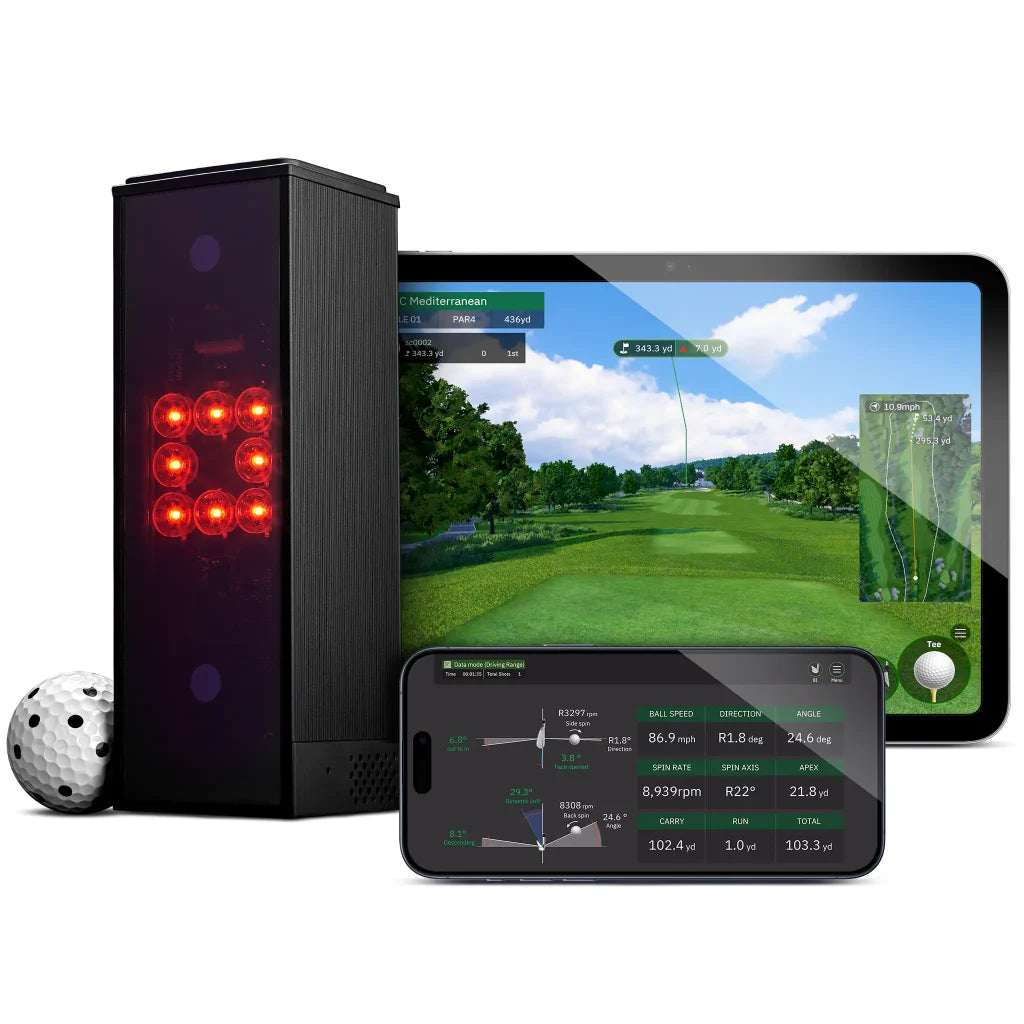
Many launch monitors come with their own app or can connect to a phone or tablet. For practice, gapping sessions and simple feedback, that can be plenty.
Not every golfer needs a full virtual course running in front of them. Sometimes you just want to know whether your 7 iron is actually going 150 yards or whether that number has always just been wishful thinking.
You Are Using a Mobile-First Launch Monitor
Some launch monitors are designed around mobile use. They work naturally with smartphones or tablets and are built for portability rather than permanent simulator rooms.
That makes sense for golfers who want to practise at the range, hit into a net, work on distances or use lighter software.
But there is a catch. The launch monitor might be mobile-first, but the simulator software might not be. If you connect that same launch monitor to GSPro, the PC requirements come from GSPro, not from the launch monitor.
This is one of the biggest areas where buyers get caught out.
You Are Using Awesome Golf
Awesome Golf is much lighter than many premium simulator software packages. It can run on Windows 10 or later, with modest processor, memory, storage and graphics requirements.
That makes it a strong option for golfers who want fun, accessible simulator play without building the whole room around a high-end PC.
It is not trying to be the same thing as a demanding 4K simulator environment. And that is fine. Not every setup needs to look like a broadcast from Augusta.

You Are Using Garmin Approach R50 as a Standalone Simulator
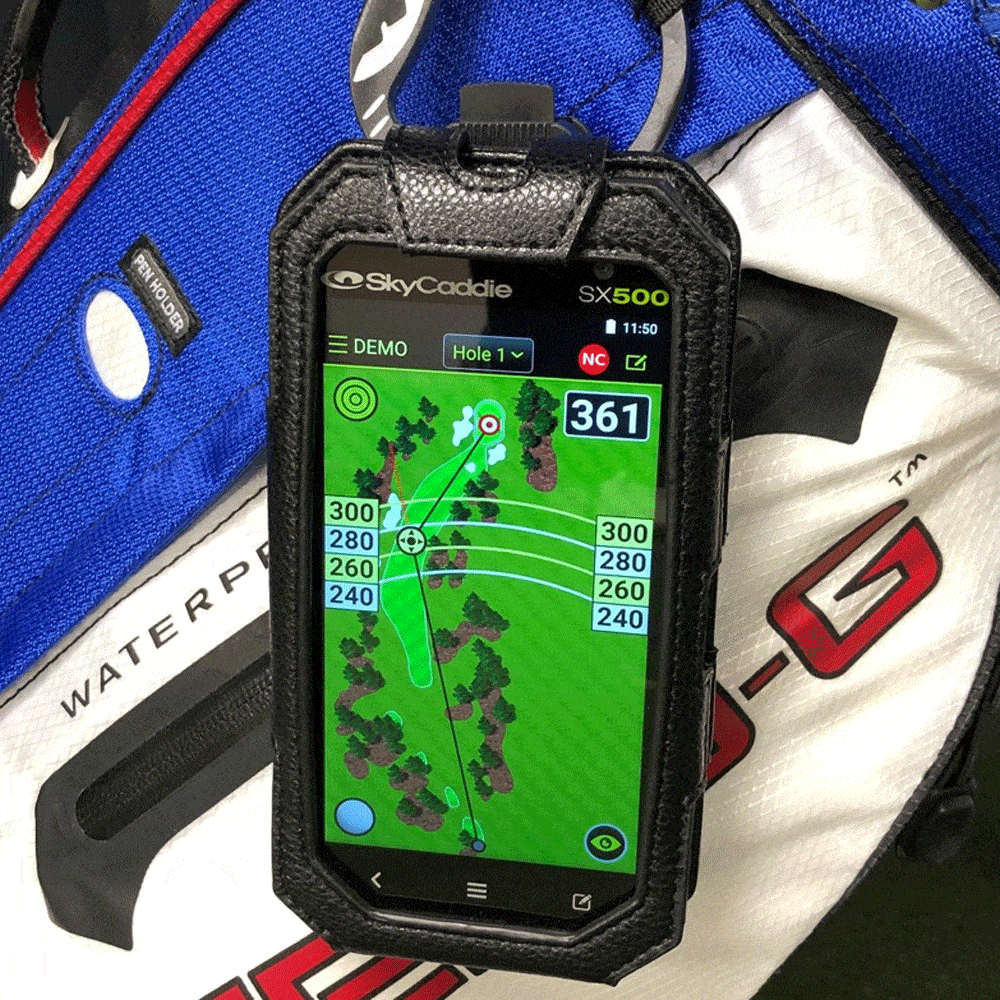
The Garmin Approach R50 changes the conversation because it has its own built-in display and can connect directly to an external display using HDMI. Garmin states that the output resolution is 1080p.
That makes it an interesting option for golfers who want to reduce PC faff.
However, this does not mean the R50 removes every possible need for a PC in every setup. If you want to use third-party PC simulator software, the requirements will depend on that software. But for golfers who want a cleaner, more self-contained simulator route, R50 is a serious option.
A Gaming PC vs Normal Laptop
This is where the confusion usually starts.
A normal laptop can be excellent for work, emails, streaming, spreadsheets and browsing. That does not mean it’s built for golf simulator software.
The difference is usually the graphics card.
A lot of standard laptops rely on integrated graphics. That means the graphics processing is built into the main computer chip. Fine for normal everyday use, less fine when you ask it to render a full 3D golf course while processing launch monitor data and outputting to a projector.
A gaming PC or gaming laptop usually has a dedicated graphics card. For simulator software, that is the part that often matters most.
Here is the simple version:
| Computer type | Best for | Watch out for |
|---|---|---|
| Standard laptop | Basic apps, admin tasks and light launch monitor use. | Often underpowered for demanding golf simulator software. |
| Gaming laptop | Flexible simulator rooms, garages and portable setups. | Usually costs more than a desktop offering similar performance. |
| Gaming desktop | Permanent simulator rooms, 4K setups and commercial use. | Less portable and requires a dedicated place in the room. |
| Tablet or iPad | Mobile-first apps, range practice and simpler simulator use. | Not suitable for software that requires a Windows PC. |
If your simulator software asks for a dedicated graphics card, your everyday laptop probably is not the answer.
Desktop or Gaming Laptop: Which Is Better?
For a fixed simulator room, a gaming desktop is usually the better long-term choice.
You tend to get more performance for the money, better cooling, easier upgrades and a more stable setup. If the PC is going to sit in the simulator room permanently, portability does not matter much.
A gaming laptop makes sense if your setup is flexible. For example, if you use the garage as a simulator in winter and reclaim it for normal life when the weather improves, a laptop is easier to move around.
The trade-off is value. Gaming laptops are convenient, but you often pay more for the same performance. They can also run hotter and louder than desktops.
So the GolfBays view is simple:
For a permanent simulator room, choose a desktop gaming PC.
For a flexible or shared-use room, consider a gaming laptop.
For basic practice apps, do not buy a gaming PC until you know you need one.
What Specs Do You Actually Need?
PC specs can get messy quickly, so let’s keep this practical.
The right specification depends on your software, resolution and expectations.
| Use case | Sensible target |
|---|---|
| Basic launch monitor app | A phone, tablet or standard laptop may be enough. |
| Awesome Golf | A modest Windows PC or laptop may be sufficient. |
| GSPro at 1080p | A dedicated RTX-class GPU and 16GB RAM. |
| Strong 1080p simulator experience | An RTX 3060 Ti or RTX 3070-class GPU and 16GB RAM. |
| 4K simulator setup | An RTX 3080 or better GPU and 32GB RAM. |
| Uneekor with third-party software at 4K | A higher-end Windows PC with strong RTX graphics, 32GB RAM and SSD storage. |
| Commercial simulator | Aim above the recommended specification rather than building around the minimum. |
Minimum requirements are not always where you want to be.
They tell you what might run the software. They do not always tell you what will feel smooth, stable and enjoyable once you add a projector, launch monitor connection, swing cameras, online features and a room full of people waiting to hit.
If the simulator is a proper investment, build in some headroom.
The Graphics Card Matters More Than People Think
If there is one PC component golf simulator buyers underestimate, it is the graphics card.
RAM is easy to understand. Storage is easy to understand. Processor names are at least vaguely familiar. But the graphics card is often where performance lives or dies.
For demanding simulator software, the GPU is responsible for rendering the course environment. That means fairways, trees, water, shadows, terrain, ball movement and camera transitions.
A weak GPU can lead to:
-
Stuttering graphics
-
Slow loading
-
Poor frame rates
-
Lower visual quality
-
Laggy course play
-
A simulator that feels cheaper than the rest of the room
That last point matters. You can have a beautiful enclosure, premium hitting mat and excellent launch monitor, but if the course graphics judder every time someone hits driver, the whole setup feels compromised.
Nobody wants a simulator room that looks the part until the computer starts wheezing on the first tee.
Do You Need a PC for the Launch Monitor or the Software?
This is the key distinction.
In many cases, the launch monitor itself does not demand a gaming PC. The software does.
For example, a launch monitor may work perfectly well with its own app on a tablet. But the moment you want to use GSPro, FSX Play, E6 Connect or other third-party simulator software, the requirements change.
So instead of asking whether a specific launch monitor needs a gaming PC, ask three better questions:
-
What software do I want to run?
-
What resolution do I want to play in?
-
How permanent or serious is the simulator setup?
That will usually give you the real answer.
What About Projectors and 4K Screens?
The display matters because it affects the PC workload.
If you are playing on a laptop screen, the demands are lower. If you are outputting to a large projector or 4K display, the computer has to work harder.
A projector does not automatically mean you need a monster PC. But if you are combining a projector with 4K resolution and demanding simulator software, you should not be shopping at the bottom end of the PC market.
The more premium the visual setup, the more important the PC becomes.
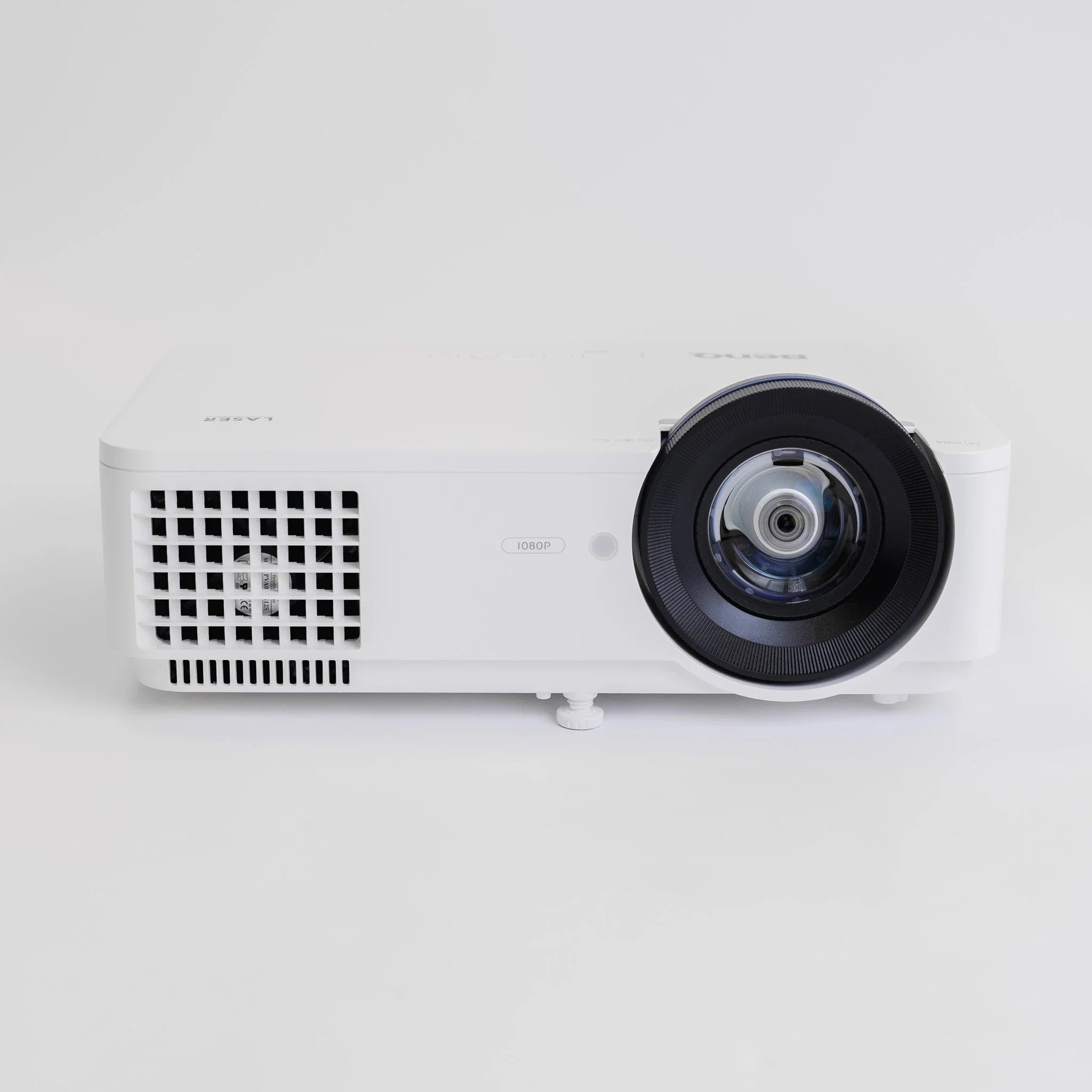
Think of the PC as the thing making the room feel premium. The projector shows the image, but the PC creates it.
Check out our collection of high res projectors here >
Don’t Forget Connections
PC performance is only part of the story. Simulator rooms also need sensible connections.
Depending on your setup, you may need:
-
HDMI from PC to projector or TV
-
Ethernet connection for certain launch monitors
-
Bluetooth for some devices
-
Wi-Fi or wired internet for licences, updates and online play
-
USB ports for cameras and accessories
-
Enough cable management to stop the room turning into a health and safety incident with a hitting mat
This is boring, but it matters.
A simulator room with great hardware and poor cable planning is still annoying. Nothing ruins the premium feel faster than stepping over three leads to retrieve a wedge.
Our Practical Recommendation
If you are building a simple practice setup, start with the launch monitor and the app. You may not need a gaming PC at all.
If you are building a proper home simulator with a screen, projector and third-party software, budget for a gaming PC from the beginning.
If you are building a premium or commercial simulator room, do not aim for the minimum spec. Aim comfortably above it.
| Your goal | Our recommendation |
|---|---|
| Basic practice and numbers | In many cases, you will not need a gaming PC. |
| Fun simulator play with lighter software | A modest PC may be enough. |
| GSPro or FSX Play | Buy a proper gaming PC with dedicated graphics. |
| 4K simulator graphics | Choose a high-performance gaming PC built for 4K. |
| Permanent simulator room | A desktop gaming PC is usually the best option. |
| Garage or flexible room | A gaming laptop can make sense if portability matters. |
| Commercial use | Invest above the minimum specification for reliability and consistent performance. |
The PC is not the most exciting part of a golf simulator. Nobody dreams about flushing a 6 iron and then admiring the tower case in the corner.
But it is one of the parts that determines whether the whole setup feels smooth, reliable and worth the money.
Final Verdict: Do You Need a Gaming PC for a Golf Simulator?
You do not need a gaming PC for every golf simulator. If you are using a mobile app, a basic practice setup, a lighter simulator package or a standalone unit like Garmin Approach R50, you may be able to keep things simple.
But if you want GSPro, FSX Play, 4K projection, demanding third-party software or a permanent simulator room, a gaming PC is not an optional luxury. It is part of the setup.
A great golf simulator should feel effortless once you step onto the mat. Choose the right PC, and it disappears into the background. Choose the wrong one, and you will be thinking about graphics cards more than your golf swing.
FAQs
Do I need a gaming PC for GSPro?
Yes. GSPro requires a Windows PC, and for a good experience you should be looking at a proper gaming PC or gaming laptop with a dedicated graphics card.
For 1080p play, a solid gaming setup should do the job. For 4K, you need to move up another level, because the computer has to render far more detail across the course. If GSPro is central to your simulator build, treat the PC as part of the setup from the start rather than something to sort out later with whatever laptop happens to be lying around.
Can I run a golf simulator on an iPad?
Sometimes. Some launch monitors and simulator apps work well with an iPad, especially for practice, range sessions, basic shot data and lighter simulator software.
But an iPad is not a direct replacement for a Windows gaming PC. If you want to run GSPro, FSX Play or demanding 4K simulator software, you’ll need a proper PC setup. The iPad route is great for simplicity and portability. It is not the route for a high-end simulator room with full 3D course play.
Is a gaming laptop good enough for a golf simulator?
Yes, provided the specification is strong enough. A gaming laptop with a dedicated Nvidia RTX graphics card can work very well, especially if your simulator is in a garage, shared room or space that needs to be packed away.
For a permanent simulator room, a desktop gaming PC is usually the better long-term choice. You normally get more performance for the money, better cooling and easier upgrade options. A gaming laptop gives you flexibility. A desktop gives you a stronger fixed setup.
Do I need a gaming PC for 4K golf simulator graphics?
Usually, yes. 4K simulator graphics are much more demanding than 1080p, especially when you are projecting onto a large impact screen.
If you want smooth 4K course play, do not build the system around the cheapest PC that technically meets the minimum requirements. That is how you end up with stuttering graphics, long loading times and a simulator room that looks premium until the ball starts flying. For 4K, budget for a strong gaming PC with a powerful graphics card and plenty of memory.
What matters more for a golf simulator: CPU, RAM or graphics card?
All three matter, but the graphics card is usually the big one for simulator software.
The CPU helps the system process information. RAM helps everything run smoothly. But the graphics card is what handles the 3D course visuals, shadows, terrain, ball flight and projector output. If that is underpowered, the whole simulator can feel clunky.
For basic launch monitor data, you may not need much graphics power. For GSPro, FSX Play, 4K projection or premium simulator software, prioritise a proper dedicated graphics card.
Can I use my normal laptop for a golf simulator?
Possibly, but only for lighter software or basic launch monitor apps.
A normal laptop might be fine for checking numbers, using simple practice software or connecting to a mobile-first launch monitor. But if it does not have a dedicated graphics card, it is unlikely to be suitable for demanding simulator software.
The mistake is assuming that because a laptop is fairly new, it must be simulator-ready. A laptop can be great for work and still completely wrong for running 3D golf software on a projector.
Does the launch monitor determine whether I need a gaming PC?
Not entirely. The software is usually the deciding factor.
A launch monitor might work with its own app on a phone, tablet or basic computer. But once you connect it to software such as GSPro, FSX Play or another demanding simulator platform, the PC requirements come from the software.
So the better question is not just which launch monitor are you buying? It is what software do you want to run, what resolution do you want, and how serious is the simulator setup?
Is a desktop PC better than a gaming laptop for a golf simulator?
For a permanent simulator room, usually yes. A desktop gaming PC normally gives you better value, stronger cooling and easier upgrades, which makes it ideal for fixed indoor simulator builds.
A gaming laptop is better if you need flexibility. If the simulator is in a garage, shared room or temporary setup, being able to move the computer around is useful.
Our view is simple: choose a desktop for a dedicated simulator room, choose a gaming laptop for a flexible setup, and avoid relying on a normal laptop unless you are only running lighter software.
Is a newer RTX graphics card always better for a golf simulator?
Not necessarily. Nvidia’s current RTX 50-series cards are newer than the RTX 30-series models still named in many golf simulator system requirements, but the generation is only part of the specification.
The model tier matters too. Do not assume that an entry-level RTX 5050 or RTX 5060 is automatically a suitable replacement for an older RTX 3070 or RTX 3080 simply because it belongs to a newer generation. Compare the card’s actual performance, graphics memory and whether it is a desktop or laptop GPU against the requirements of your simulator software.
Use cards such as the RTX 3060 Ti, RTX 3070 and RTX 3080 as performance baselines rather than shopping purely by model number. For a new simulator PC, aim for a current-generation card that comfortably matches or exceeds the recommended performance for your chosen software and resolution.